SK TradeLog
The trade journal built for options sellers
Track wheels, rolls, and credit structures, then manage the open book without spreadsheet fog.
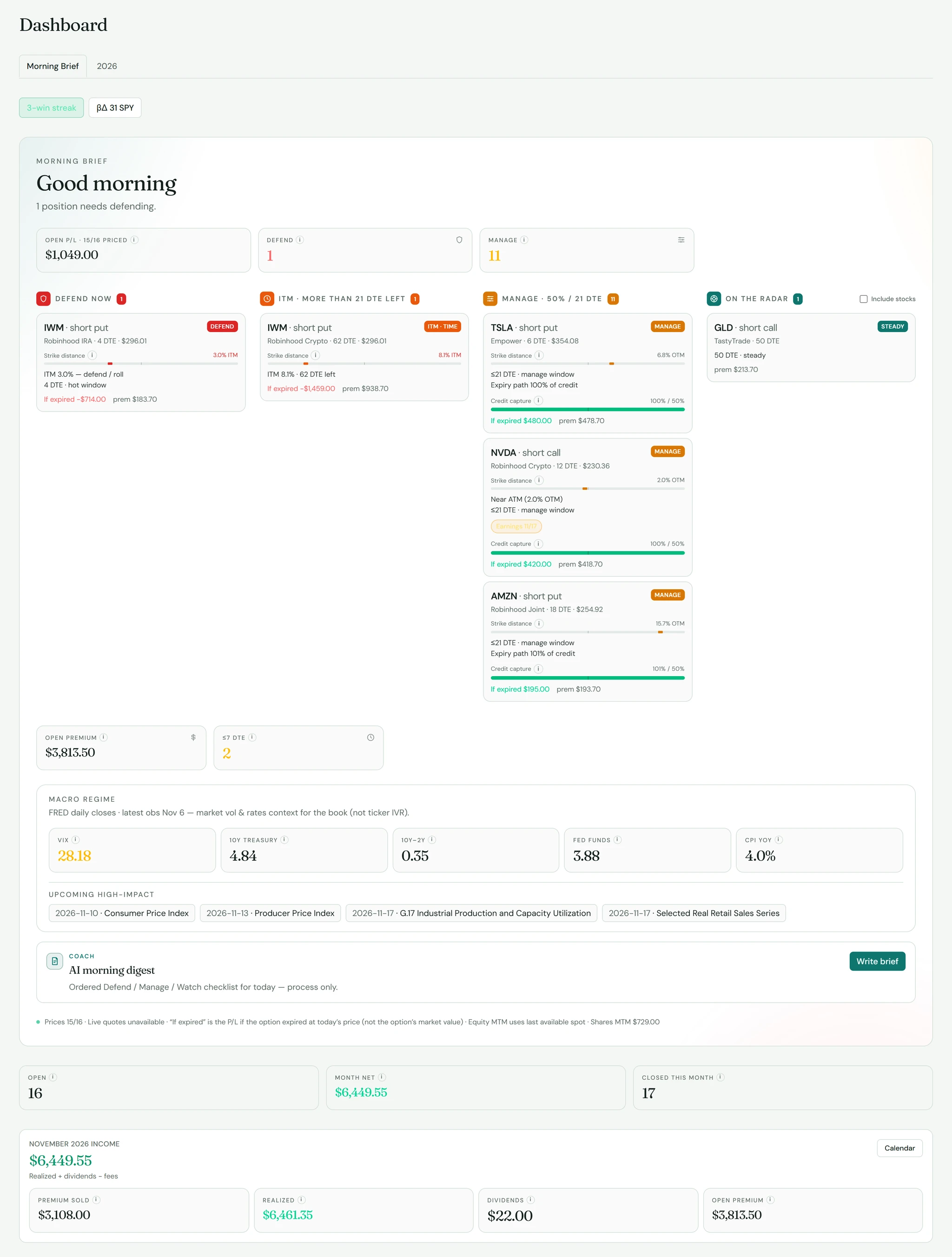
Dashboard
Morning Brief
Open-book metrics and Defend / Manage / On-the-radar queues — so you spend less time hunting and more time managing.
Explore Morning BriefRadar
Night Watch
See every open option on a DTE × %OTM radar — heat, exposure, and the next move at a glance.
Explore Night Watch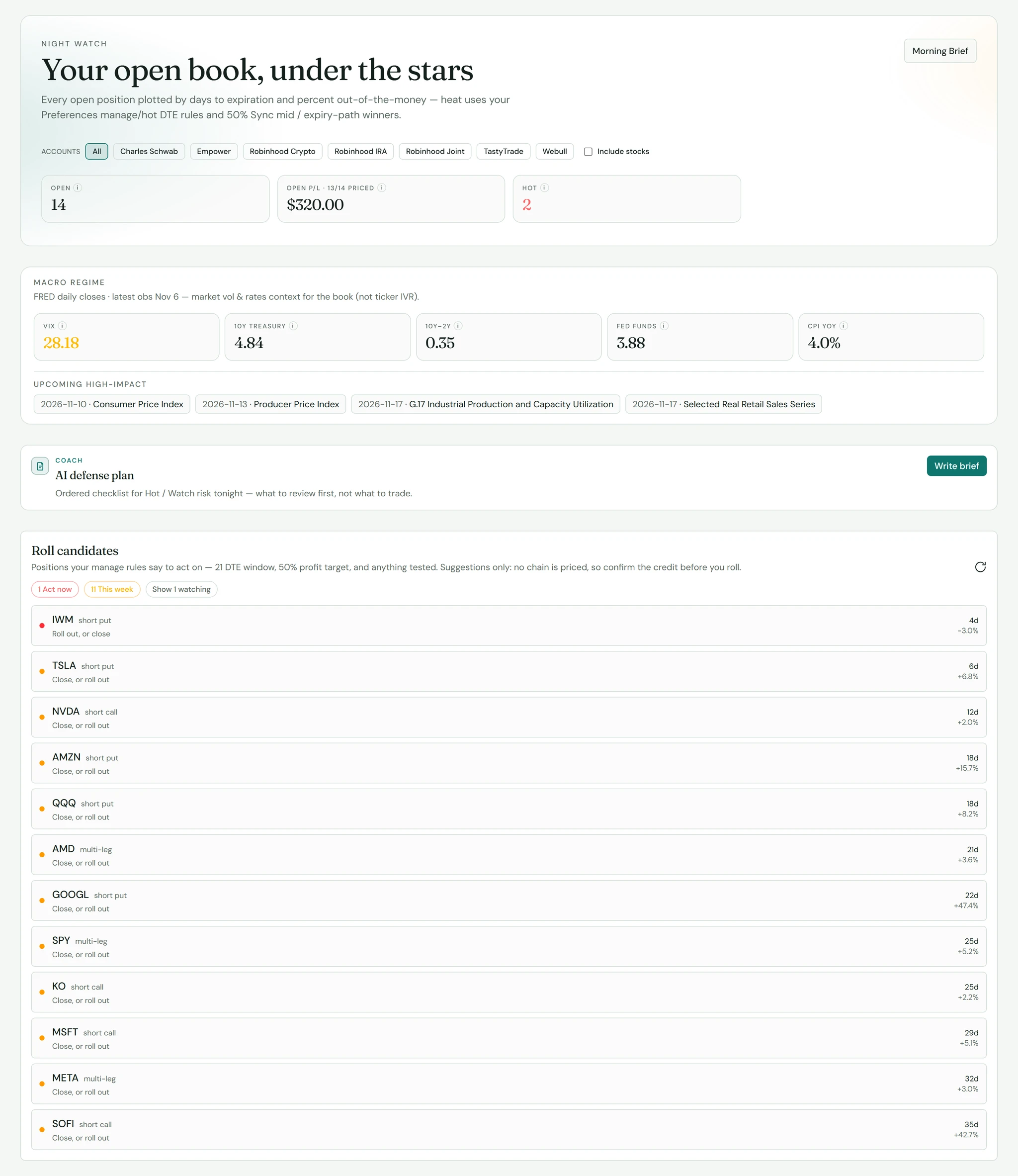
Your scoreboard
Custom Reports
Compose a personal process dashboard from income, Analytics, and open-book widgets — save it, pin it, share it.
Explore Custom Reports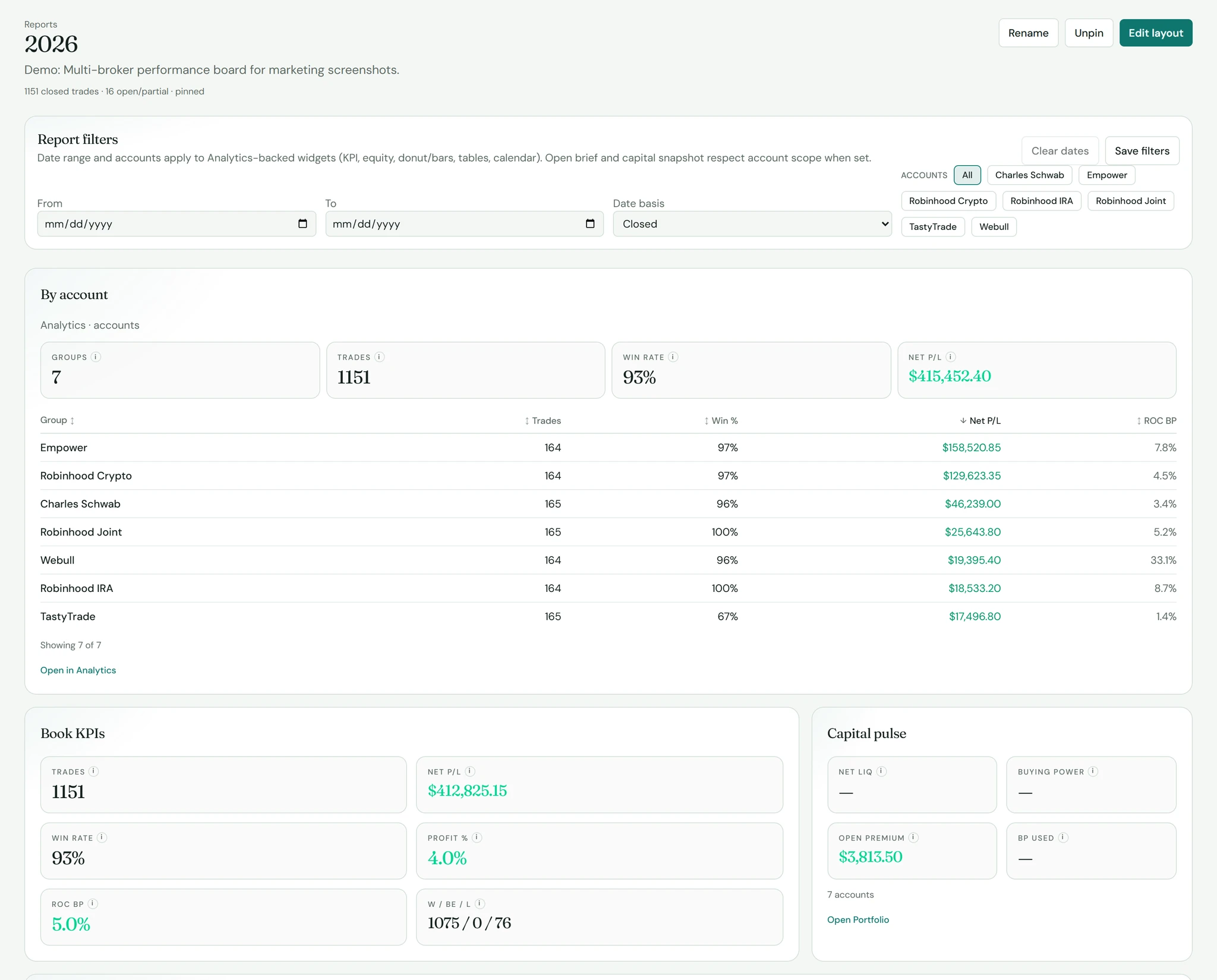
Edge finding
Analytics
Break down closed trades on the All tab — expectancy, win rate, and what actually pays.
Explore Analytics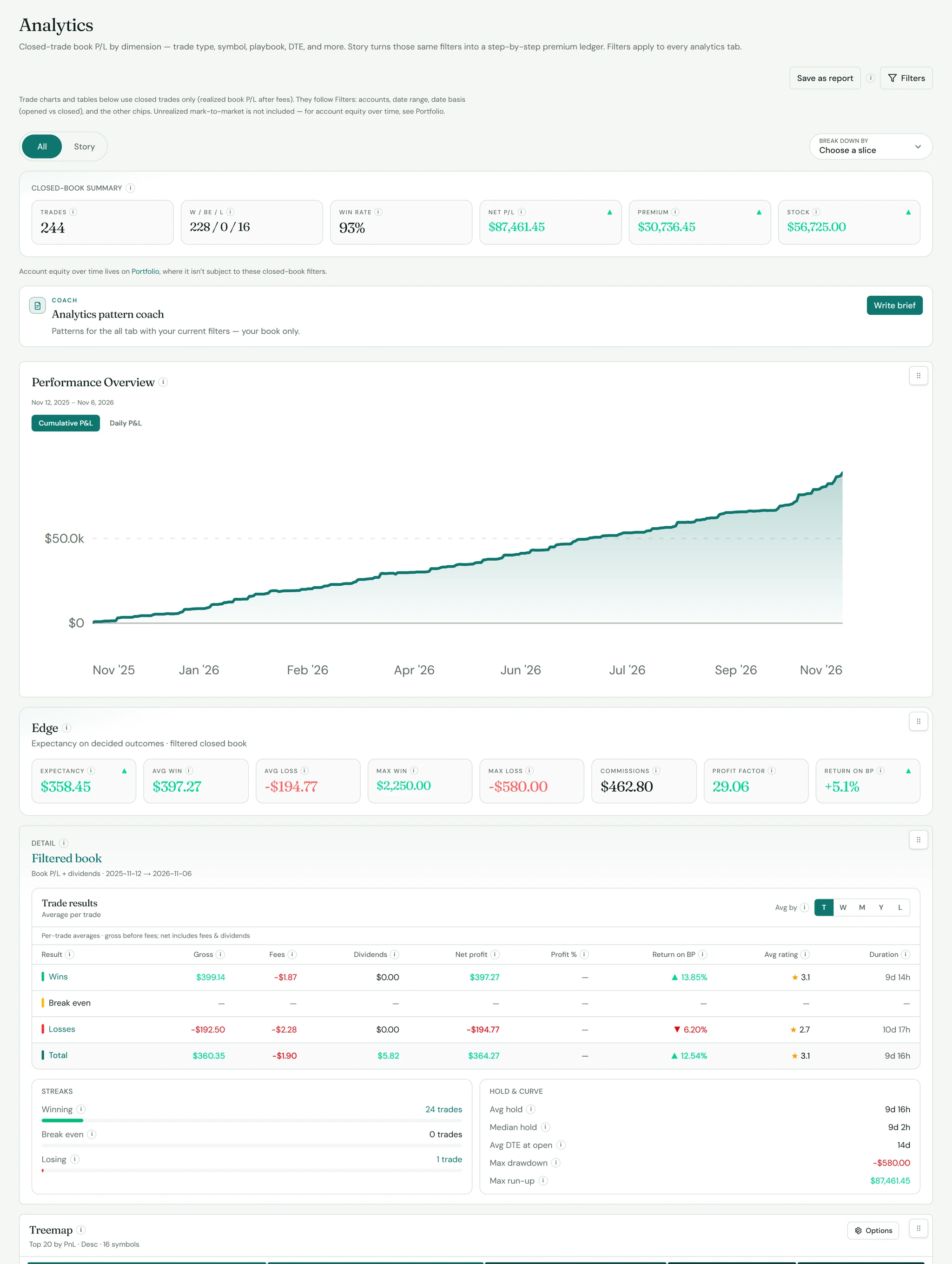
Brokers
Works with your broker
Direct sync
- tastytrade
Through SnapTrade
- Charles Schwab
- Fidelity
- E*TRADE
- Interactive Brokers
- Robinhood
- Webull
- Vanguard
- and more
CSV import
- tastytrade
- Robinhood
- Schwab
- Webull
- Empower
- Trading Vault
Security
Your data stays yours
Read-only sync
SK TradeLog reads your trades, positions and balances. It never places orders or moves money.
Encrypted connections
Broker sign-in tokens are encrypted at rest, and everything travels over HTTPS.
Delete anytime
Deleting your account permanently removes your trades, journal and broker links.
FAQ
Common questions
Which brokers work with SK TradeLog?
tastytrade connects directly. Schwab, Fidelity, E*TRADE, Interactive Brokers, Robinhood, Webull, Vanguard and other US brokerages connect through SnapTrade. You can also import CSV exports from tastytrade, Robinhood, Schwab, Webull, Empower and Trading Vault.
Can SK TradeLog place trades in my account?
No. Broker connections are only used to read your trade history, positions and balances.
Do I need a credit card for the trial?
No. You start with a complimentary Pro trial and no card. If you don't subscribe when it ends, you move to the Free plan and your journal stays.
Can I cancel?
Yes. Paid Pro can be canceled anytime from billing. During the trial there's nothing to cancel.
Is this financial advice?
No. SK TradeLog is a journal and analytics tool. Figures may be delayed or estimated — always verify with your broker.
Journal the book. Trust the ritual.
Start with a complimentary Pro trial — no card needed.
Already have an account? Sign in